
their.photos: wedding guests' photos from one QR code
A private wedding album that fills itself: guests scan one QR code and upload full-size photos and videos from their phones, with no app and no account.
- Kind
- Our own product
- Launched
- Services
- Design
- Build
- Payments
- Search setup
- Hosting
- Built with
- Next.js on Vercel
- Supabase for accounts and album records
- Cloudflare R2 for original files
- Background worker for whole-album downloads
- Stripe checkout
- Resend for email
- Visit site
- their.photos (opens in a new tab) ↗
What it is
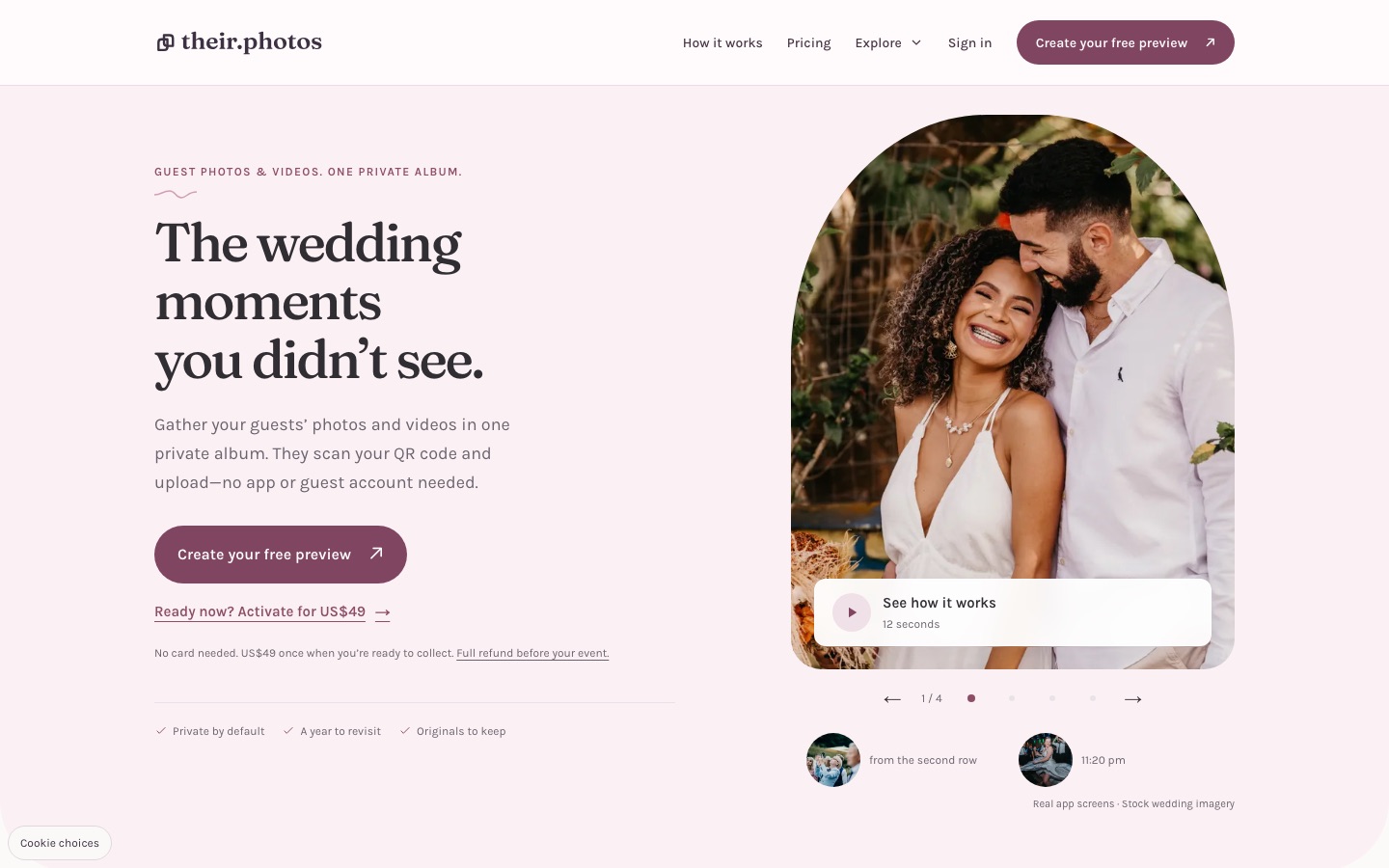
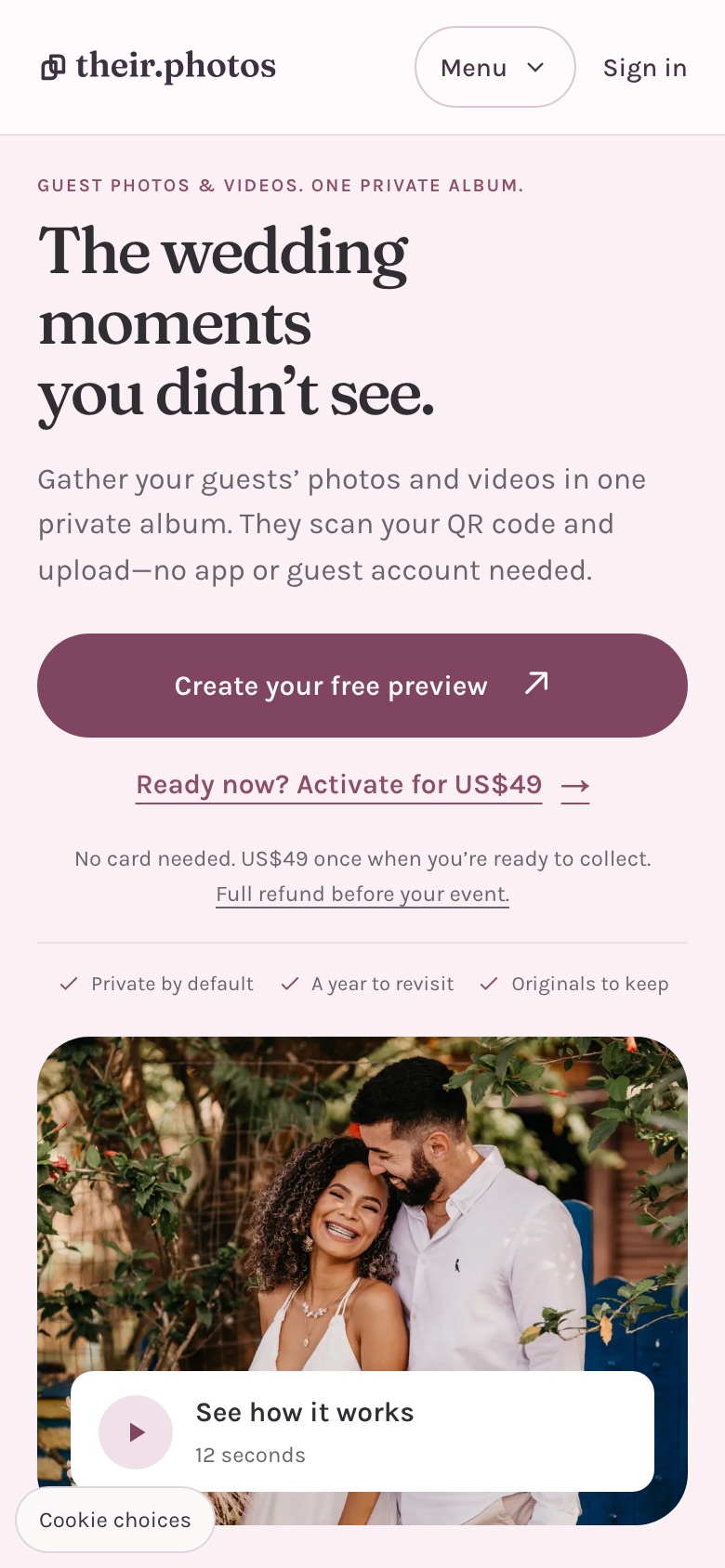
their.photos collects the photos and videos wedding guests take on their phones and puts them in one private album for the couple. Guests scan a QR code and upload. They don’t install an app and they don’t make an account. The couple saves the original files at full size.
It’s our own product. We designed it, built it and run it, and no client asked for it. It went live under the their.photos name in September 2026.
The price is shown on the home page: a free preview with no card needed, then US$49 once per event when the couple is ready to collect, with a full refund before the event and no subscription. Each album holds 25 GB and stays online for a year.
Who it’s for
It’s made for couples planning a wedding who want the moments their guests saw: the group shot from a best friend’s phone, the speech filmed from the second row, the dance floor at 11:20 pm. It works for other events too, and the site has pages for birthdays, company events, quinceañeras, mitzvahs and celebrations of life.
It’s early days for their.photos, and we don’t have customer results to report yet.
What we built
- 1Guest scans the QR code
- 2Picks photos or videos
- 3Files go straight to storage
- 4Couple saves the originals
The guest side is deliberately short. A guest scans the code on a table card, chooses photos or videos and taps upload. Uploading comes first, and giving a name or email is optional.
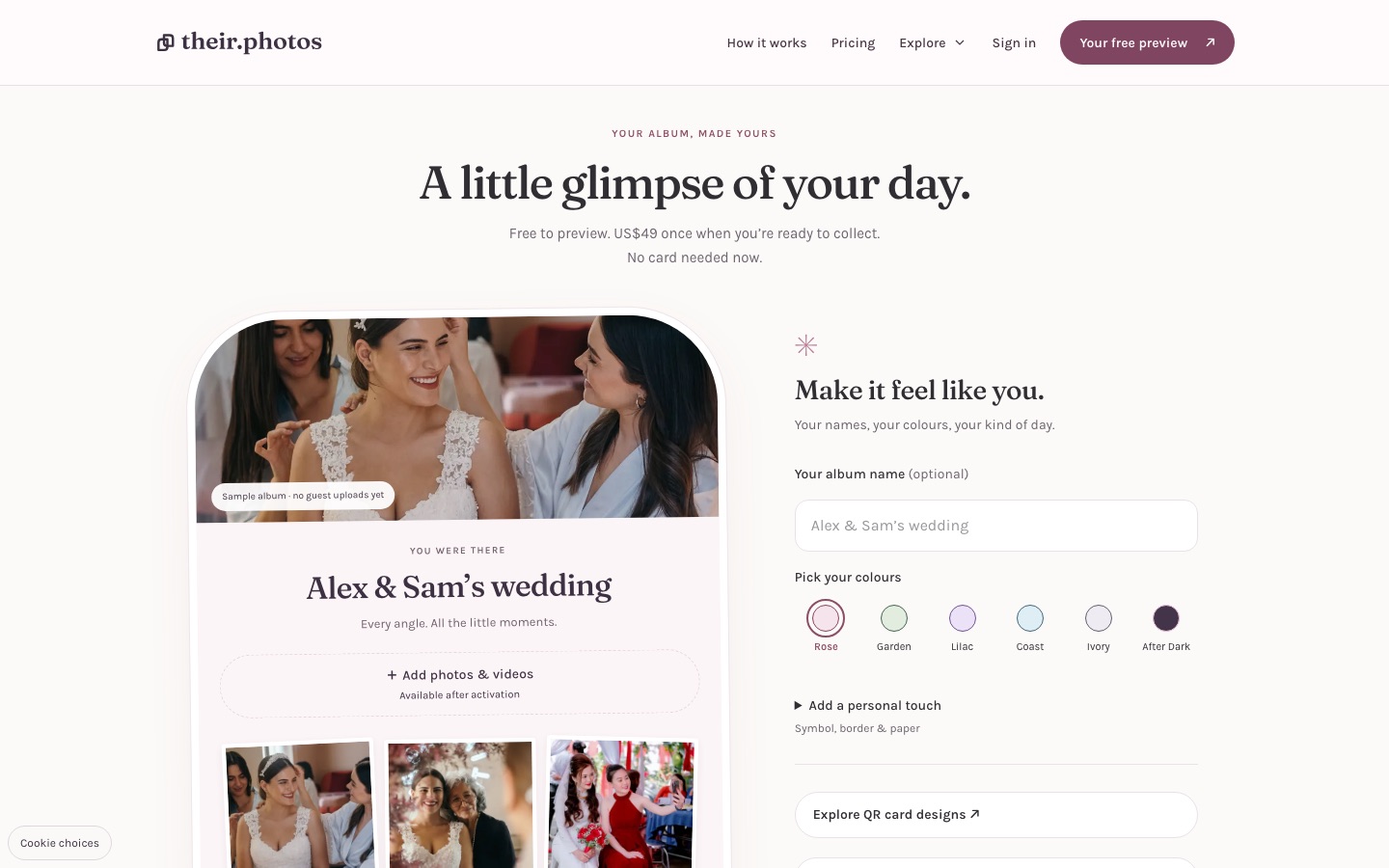
The couple’s side starts with a free preview. They name the album, pick a colour scheme and add a personal touch, then see the guest page the way their guests will. When they’re ready, they activate the album, print the QR code on table cards and share it on the day.
The album starts private. The couple decides whether guests can see it afterwards and whether they can download full-size copies. During the event they can save single photos and videos as they arrive. When everyone has finished, they close collection and the site prepares one download of the whole album. A year on, the couple gets a note with their favourites and the date the album will be deleted.
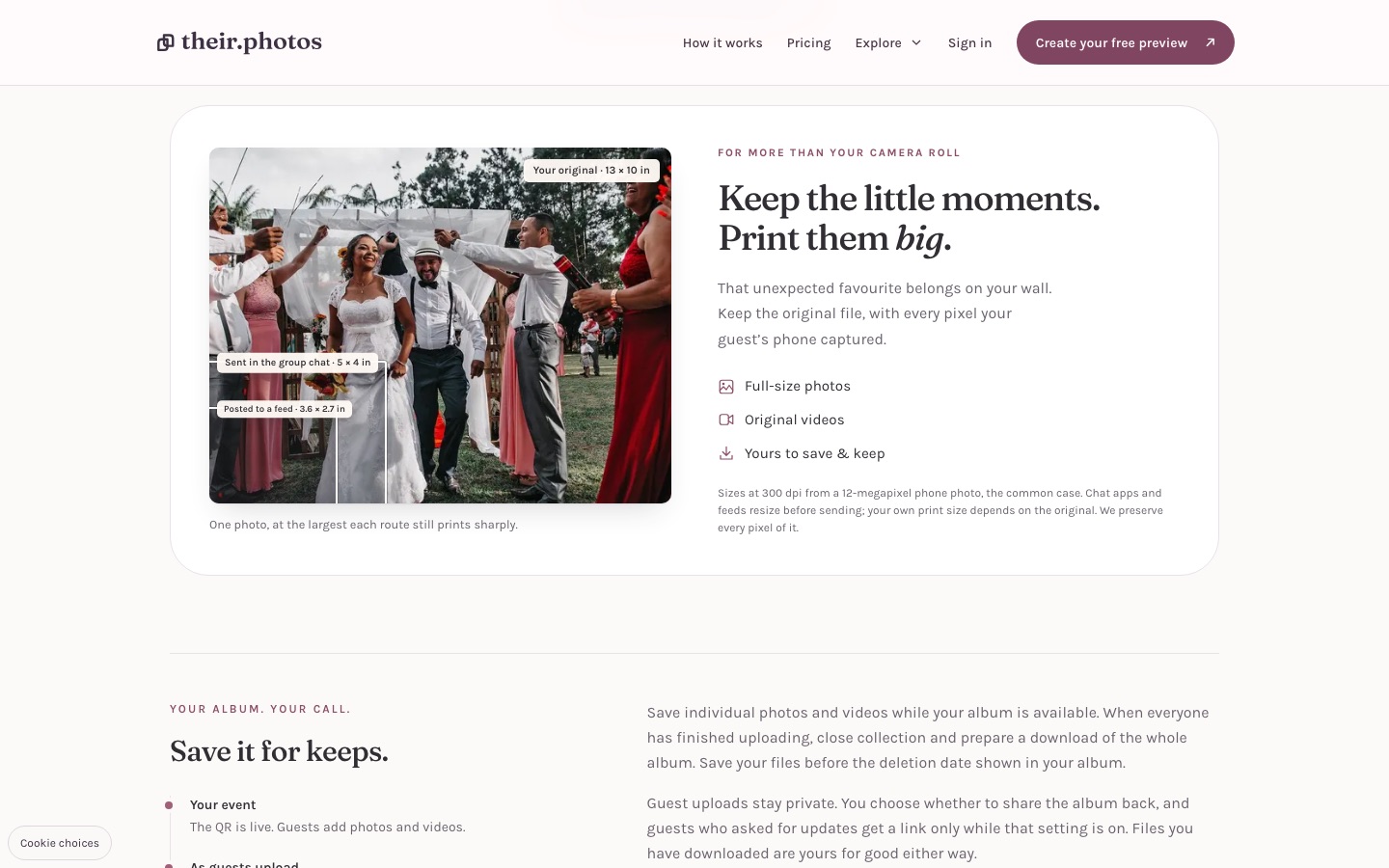
The home page makes the case for full-size files with a real example. One wedding photo is shown at the largest size each route still prints sharply.
How it’s built
The website runs on Next.js and is hosted on Vercel. Supabase handles sign-in and keeps the records for each album and order.
The files themselves never pass through the website. A guest’s browser sends each photo or video straight into private Cloudflare R2 storage through signed uploads that come in parts, so a long video from a phone on venue wifi doesn’t have to arrive in one piece. Nothing is recompressed on the way. Apart from the whole-album download, the only extra copy is a small thumbnail for the album grid.
Building the whole-album download is slow work, so it runs in a separate background worker that streams every original into one ZIP file and puts it back in storage for the couple. Payments go through Stripe checkout, and email goes through Resend. Each album is deleted 30 days after the first anniversary of the event, and the deletion date is shown in the album.
What this means for your site
Most small businesses never need a wedding album, but many need a way for customers to send them something. A contractor wants photos of the job before quoting. A tailor wants a picture of the garment. A clinic wants a form filled in before the visit. The lesson from their.photos is that people finish the job when it takes a few taps on a phone, with no app and no account to create first.
The other lesson is about the price. their.photos shows the price, the refund policy and what’s included right beside the button, so nobody has to email to find out. Our guide to what a website costs in Canada explains why we do the same with our own fixed prices.