
Websites for Vancouver contractors
A fixed-price website for Vancouver contractors, builders and trades: project gallery, licence and insurance up front, a quote form that works. From C$2,900.
A fixed-price website for Vancouver restaurants: your menu as a real web page, hours, a booking or order link and a free mockup. From C$2,900, no surprises.
Fixed prices
See your homepage before you pay anything. No call needed.
People looking for a restaurant website want four things: what’s on the menu, whether you’re open, where you are, and how to get a table or an order. If those four answers show up on a phone within a couple of seconds, the site is doing its job. Everything else on this page is about getting there without wasting money.
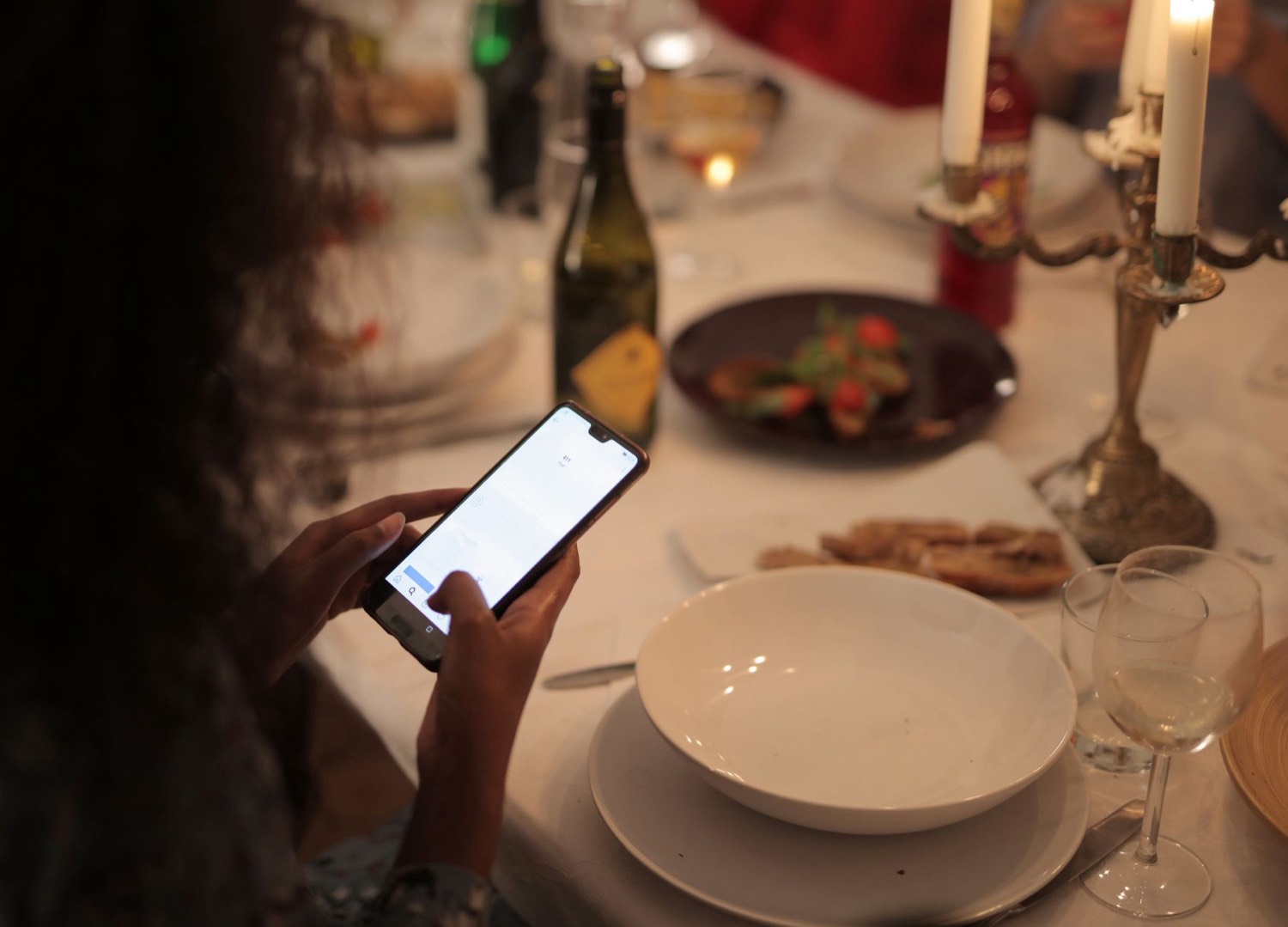
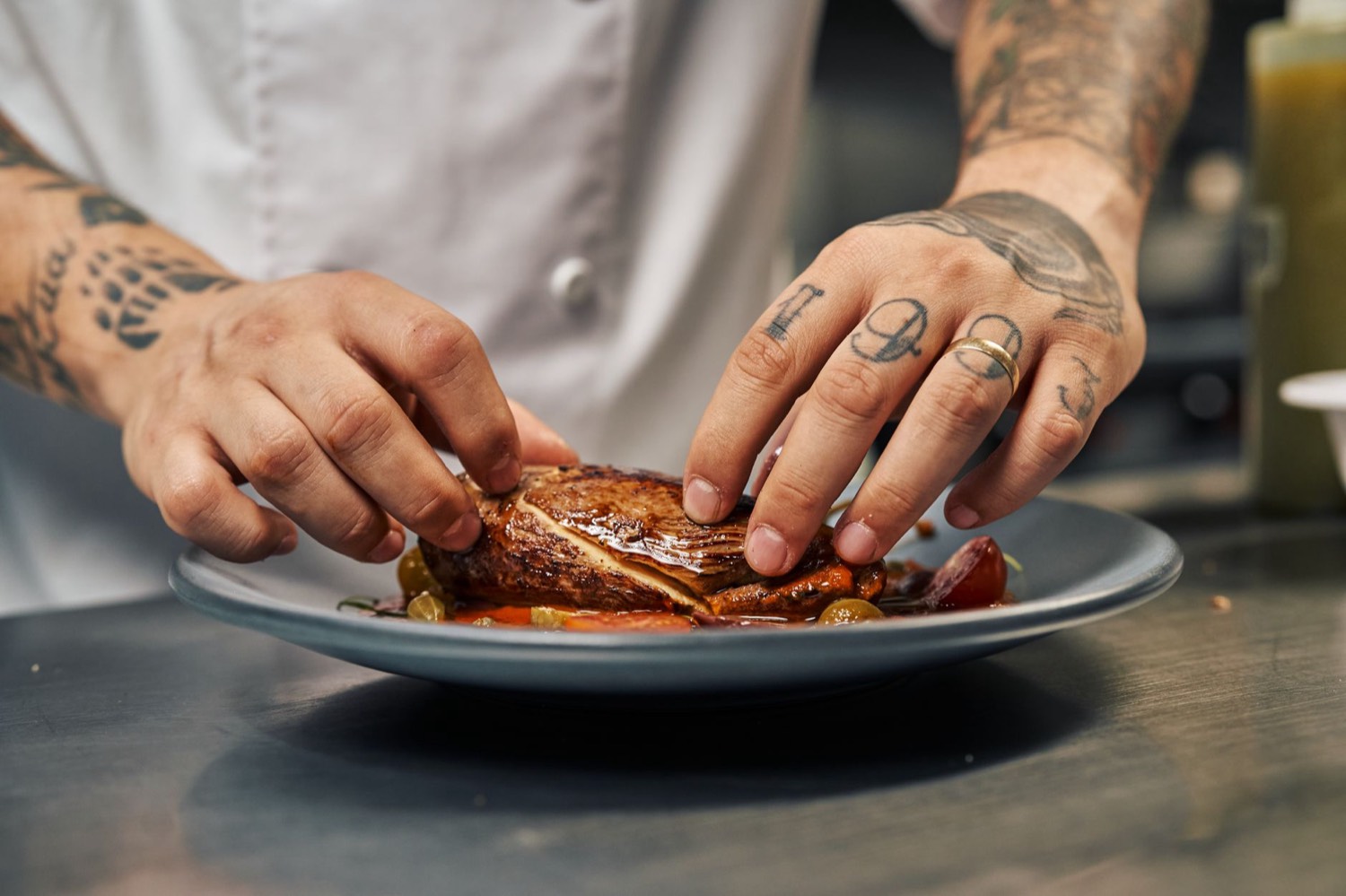
They look for the menu first, and they look for it on a phone. After that come hours, the address and phone number, and a way to book or order. Photos help them decide whether your place is the right one for the evening, so a few good pictures of the room and the food are worth more than a long story about the business.
Where people land matters too. Many arrive from your Google listing or from a delivery app, tap through to your site and expect to find the same hours and menu they just saw. If the site disagrees with the listing, they trust neither.
Put the menu on a real web page. The Nielsen Norman Group, a long-established web usability research firm, says in its article PDF: Unfit for Human Consumption that you should not use PDFs to present digital content that could and should be a web page. It points out that PDFs made for printed paper force people to pinch, zoom and scroll on a phone, that large files load slowly, and that going back from a PDF is harder on mobile.
A PDF still has one good use, which is a printable copy. The same article suggests pairing it with a normal web page that summarizes the content and offers the download. For a restaurant, that means a menu page that people can read on any screen, with a link to a printable version if you want one for events or catering.
Keep the menu easy to change. Prices and dishes move, and a menu that takes a designer to edit will go out of date. If you are not sure you will update it yourself, ask whoever builds the site how an edit works before you sign.
Delivery apps charge a commission on each order. DoorDash’s Canadian merchant pricing page, as we read it in November 2026, lists three plans:
The same page lists pickup orders at 10% on Basic and 8% on Plus and Premier. It says the plans carry no payment processing fee. We didn’t find a current, official fee page for Uber Eats or SkipTheDishes that we could open, so we are not quoting their rates here. Your signed agreement with each app is the only number that counts.
On a C$50 delivery order, 25% is C$12.50 of your sales going to the app. That’s our arithmetic from the published rate, and it ignores tax and tip.
British Columbia has a law about this. The province’s summary of the Food Delivery Service Fee Act says that platforms offering ordering and delivery to 500 or more restaurants can charge no more than 20% of an order’s dollar value, excluding tax and tip. The cap covers core services: customers finding you, ordering and paying in the app, and the delivery itself. To qualify, a restaurant must prepare and serve food on its premises.
A platform may charge more only for enhanced services that go beyond ordering and delivery, such as marketing promotions, data and analytics or lower customer fees. You have to agree to them, and you must be able to cancel and go back to the 20% cap. The BC government’s news release says the permanent cap started on January 1, 2023.
Some of the plan percentages above sit over 20%. We can’t tell you from the public pages exactly how each plan is built, so if you are on Plus or Premier, ask the app what extra services you are paying for and whether you can step back to the capped rate.
If you only need online ordering, a payment provider’s built-in tool may be the better buy. Square Online lists a free plan with no monthly fee, a Plus plan at C$36 a month and a Premium plan at C$99 a month, all billed annually, as of November 2026. Online sales cost 2.8% plus C$0.30 on Free and Plus, and 2.5% plus C$0.30 on Premium. A custom domain is not available on the free plan, and QR code menus are included from Plus up.
| Delivery app order | Order on your own Square Online page | |
|---|---|---|
| What you pay per order | 20% to 29% commission on delivery, per DoorDash's plans | 2.8% + C$0.30 card processing on Free and Plus |
| Monthly fee | Not listed on the pricing page | C$0 (Free), C$36 (Plus), C$99 (Premium), billed yearly |
| Who brings the customer | The app | You, through your site, Google listing and regulars |
| Who delivers | The app's couriers | You, or you offer pickup only |
A platform like Square can sit behind the order button on a custom site, so the two aren’t either-or. If you only need ordering and you have a free weekend to set it up, start with the free tools.
Some things are not worth the money. A site that autoplays a video with sound on the first screen annoys people on a phone. A homepage slideshow of eight photos pushes the menu below the fold. Spend on the menu page, the photos and the booking or order link first.
Most people find a restaurant through a search or a map, so your Google listing does as much work as the site. Keep the name, address, phone and hours on both identical. Our guide to adding your business to Google Maps walks through setting up the listing, and our guide to local SEO in Vancouver explains how the site and the listing support each other. We can’t promise a ranking or a number of bookings, and nobody honest can.
A fixed-price custom site for a small restaurant starts at C$2,900, and our website cost guide lays out what builders, freelancers and agencies charge across Canada so you can compare. You can see sites we built and run ourselves on our work page.
Most owners still want one. A delivery app page shows your menu inside someone else's app, and the app decides what customers see first. Your own site is where your hours, your story and your own order or booking link live, and it is the page people reach from your Google listing.
A web page is the better default. The Nielsen Norman Group advises against using PDFs for content that could be a web page, and says they are worse on phones, where people pinch, zoom and scroll sideways. A PDF is fine as an extra printable copy.
For some owners, yes. If you have the time to set it up and only need a menu, hours and a link, a builder or the free tools from your payment provider can do the job. Square Online's free plan has no monthly fee but does not support a custom domain, and its Plus plan is C$36 a month billed yearly, as of November 2026.
No. Under BC's Food Delivery Service Fee Act, platforms serving 500 or more restaurants can charge no more than 20% of the order's value, excluding tax and tip, for core ordering and delivery. They can go above that only for extra services you agree to and can cancel.
A fixed-price website for Vancouver contractors, builders and trades: project gallery, licence and insurance up front, a quote form that works. From C$2,900.

Fixed-price websites for Vancouver law firms and solo lawyers: practice pages, lawyer profiles and a contact form, written with BC rules in mind. From C$2,900.

Fixed-price websites for Vancouver dental, physio, chiro and massage clinics: service pages, online booking links and careful, accurate wording. From C$2,900.